About the system
What’s the difference between PROTEUS-UHD-VSS, VSS-BM2K and VSS-BM4K?
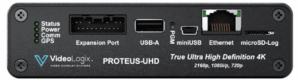
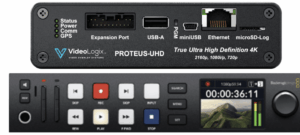
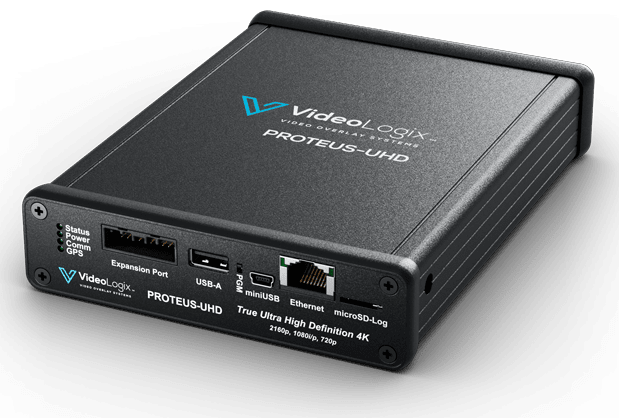
PROTEUS-UHD-VSS is the video overlay device with the Video Survey System software; it logs geotagged KML data. VSS-BM2K and VSS-BM4K add a Blackmagic HyperDeck recorder for 2K or 4K video, making a complete single-channel survey DVR system.
Do I need a Blackmagic HyperDeck?
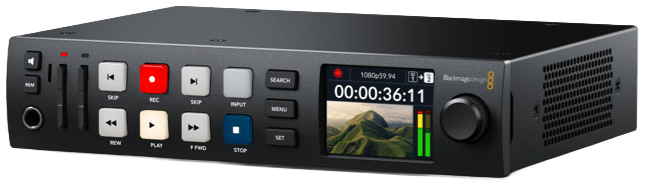
The Blackmagic recorder is not required when performing KML-only recording. To record video, use a HyperDeck that supports the H.264 codec: Studio 4K Pro, Studio HD Plus or Studio HD Mini for 2K; only the Studio 4K Pro for 4K.
Can I use my own HyperDeck?
Yes, if it’s one of the H.264 models above. Choose the PROTEUS-UHD-VSS configuration.
Will it work with my camera or ROV?
Our product supports both 1080p50/60 and 2160p50/60 video formats. However, it accepts only HDMI input. If your video source is SDI, you need an external Blackmagic SDI-to-HDMI converter. For NTSC/PAL, you will need to use a converter (less than $25) to convert to HDMI. For IP or component cameras, you need to find an adapter that converts it to HDMI.
Which sensors and data can I overlay?
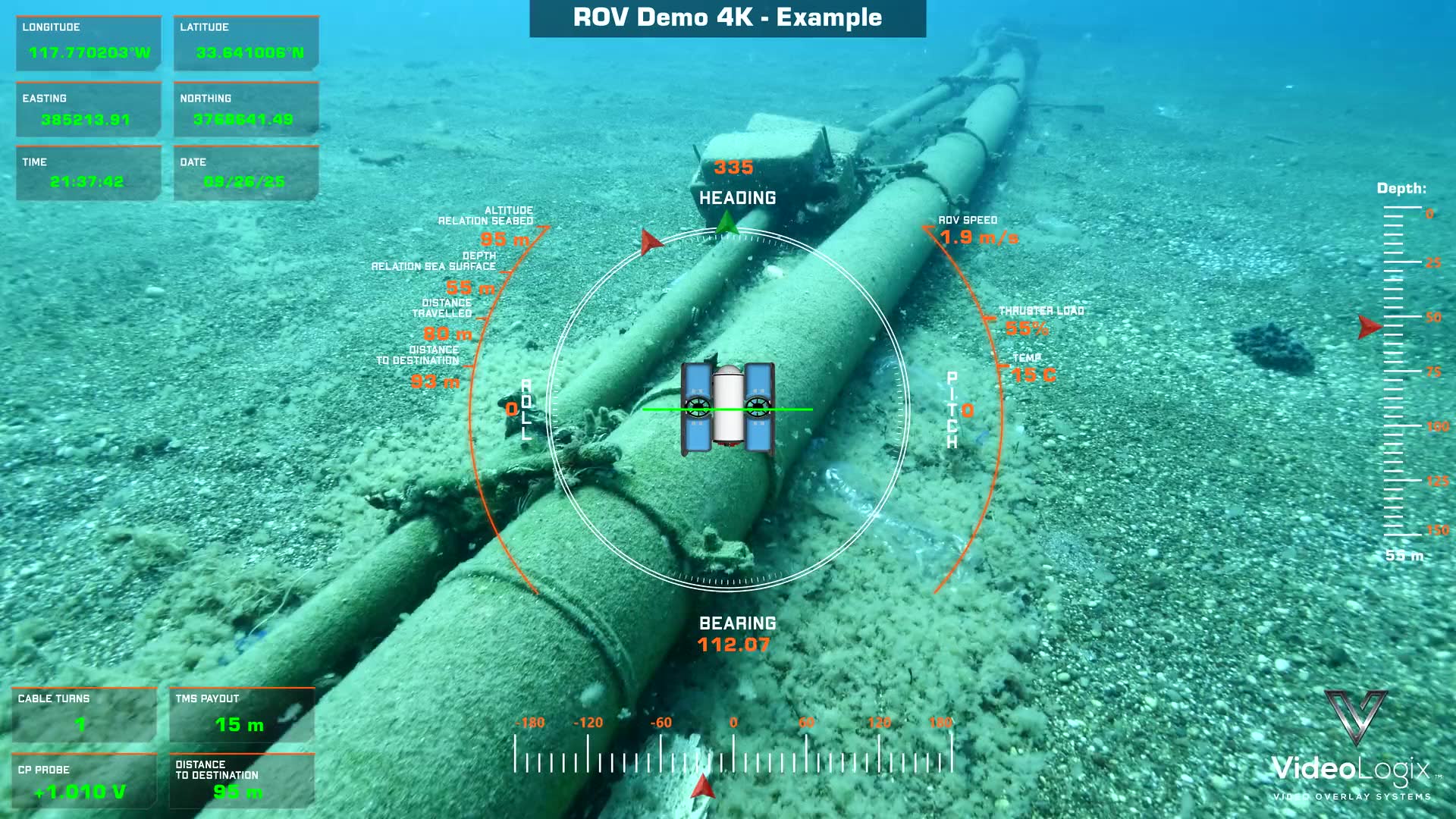
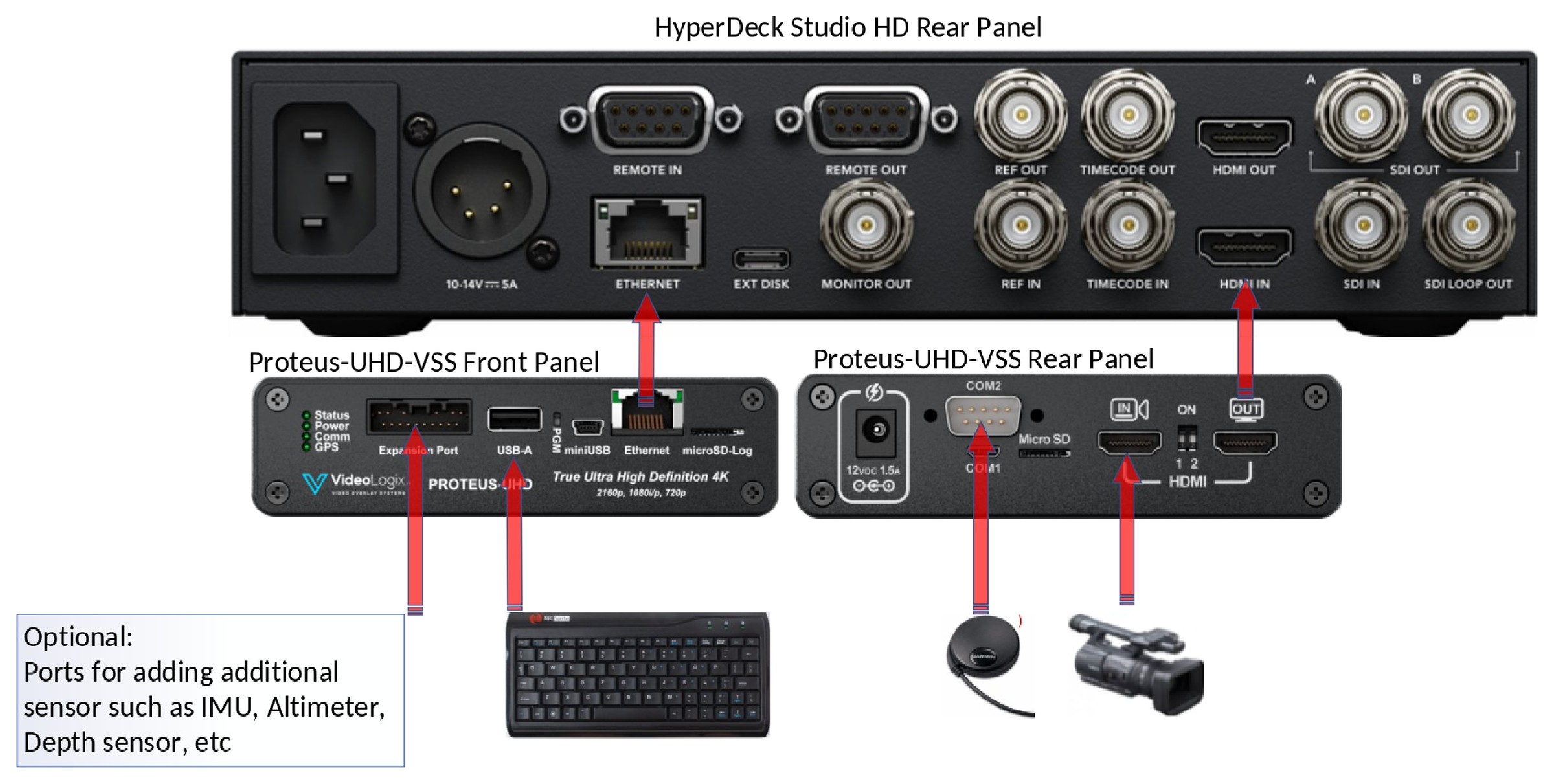
GPS, heading, depth, roll, temperature and virtually any other data, from sensors directly or through Ethernet or RS-232. Optional IMU, altimeter and depth sensors connect to the expansion port.
How many cameras can it record?
One. PROTEUS-UHD-VSS is single-channel by design, for one-camera ROV, diver, drone and inspection work.
I already own a PROTEUS-UHD. Can I upgrade?
Yes, with the VSS software upgrade. Enter your unit’s serial number at checkout.
Recording and Marked Points
Does it record the whole dive automatically?
Recording starts and stops with F1 and F3, and a flashing REC indicator on the video overlay shows the operator when recording is active.
How do I mark a finding during a mission?
Press F2 and enter a detailed description for each marked point (e.g. pipe leak, corrosion, marine growth, bridge cracks …). Press F2 again for the next one.
Can I record only the GPS/KML data, without video?
Yes. Press Alt-F1; a flashing KML indicator shows KML-only recording.
What stops a recording?
Recording terminates if the Blackmagic storage media is removed, the Proteus-UHD storage media is removed, the GPS signal is lost, the HDMI-OUT cable from Proteus to the Blackmagic’s HDMI-IN is disconnected, or STOP is pressed on the Blackmagic instead of F3. Verify the REC icon in the upper-left corner of the monitor is flashing to confirm recording is in progress.
Can I use the recorder’s own buttons during a survey?
No. Operate the survey exclusively through F1, F2 and F3; direct interaction with the Blackmagic recorder during a survey is not recommended. Proteus-UHD must keep continuous control of the recorder. If Proteus-UHD power is interrupted or the Ethernet cable to the Blackmagic is disconnected, press STOP on the Blackmagic immediately, fix the problem, then press F1 to resume.
What happens if the camera is turned off during a survey?
If the camera is turned off during an ongoing survey, Blackmagic will continue recording a black screen because Proteus-UHD cannot detect that the camera has been turned off. The operator is responsible for ensuring that the camera remains powered on and that the correct live video feed is visible on the Blackmagic LCD screen throughout the survey.
Where is the survey data saved?
On a formatted Class 10, 32 GB microSD card in the PROTEUS-UHD-VSS microSD-LOG slot, or a USB flash drive in the USB port. The video is saved on the HyperDeck: insert a formatted SD card (as recommended in the Blackmagic Design User Manual) into Slot 1.
ProteusVSS App and maps
Is the ProteusVSS App included?
Yes. The ProteusVSS App is one of the system’s three components, with the PROTEUS-UHD-VSS and the DVR.
Does the ProteusVSS App work without video?
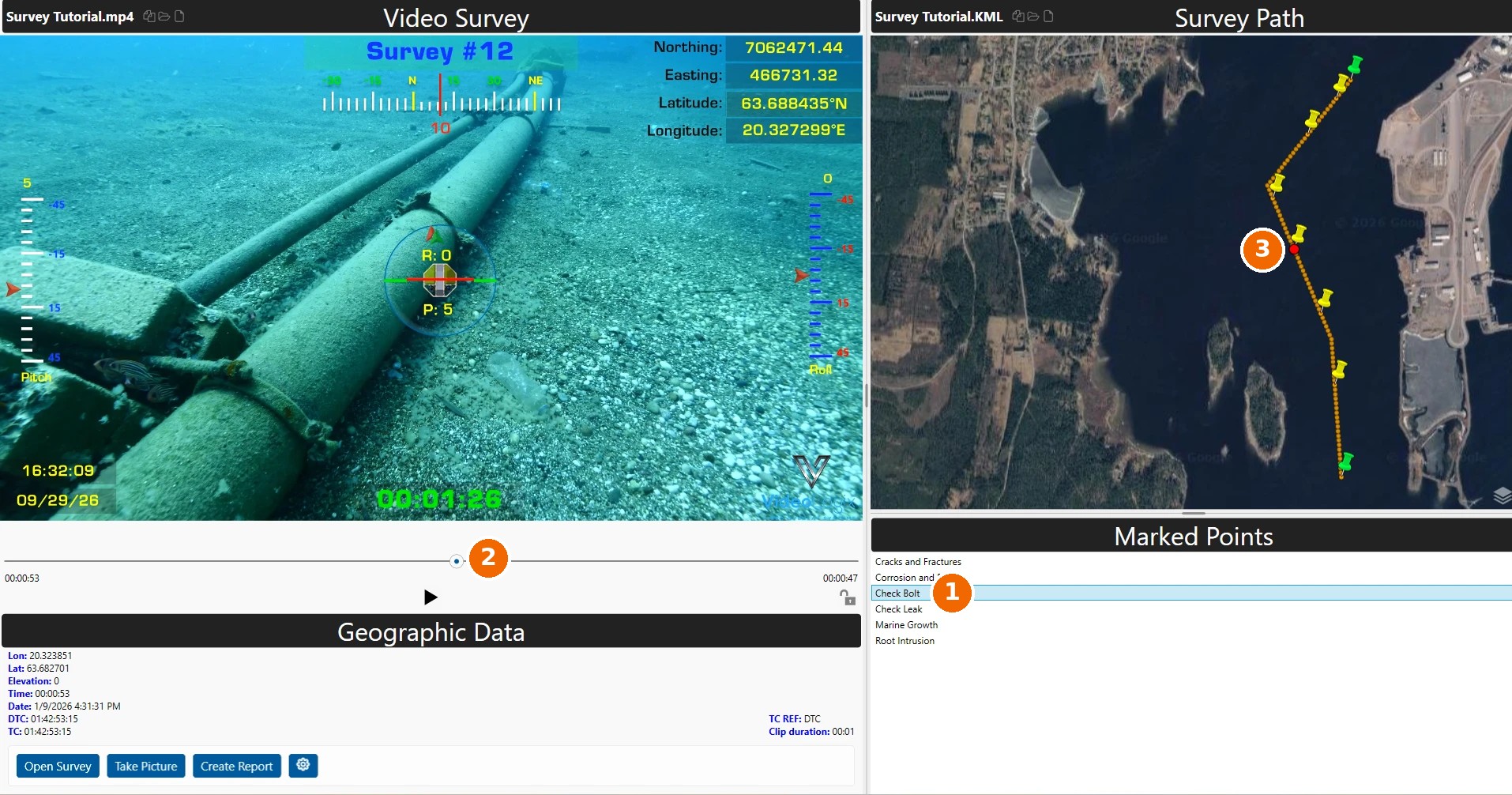
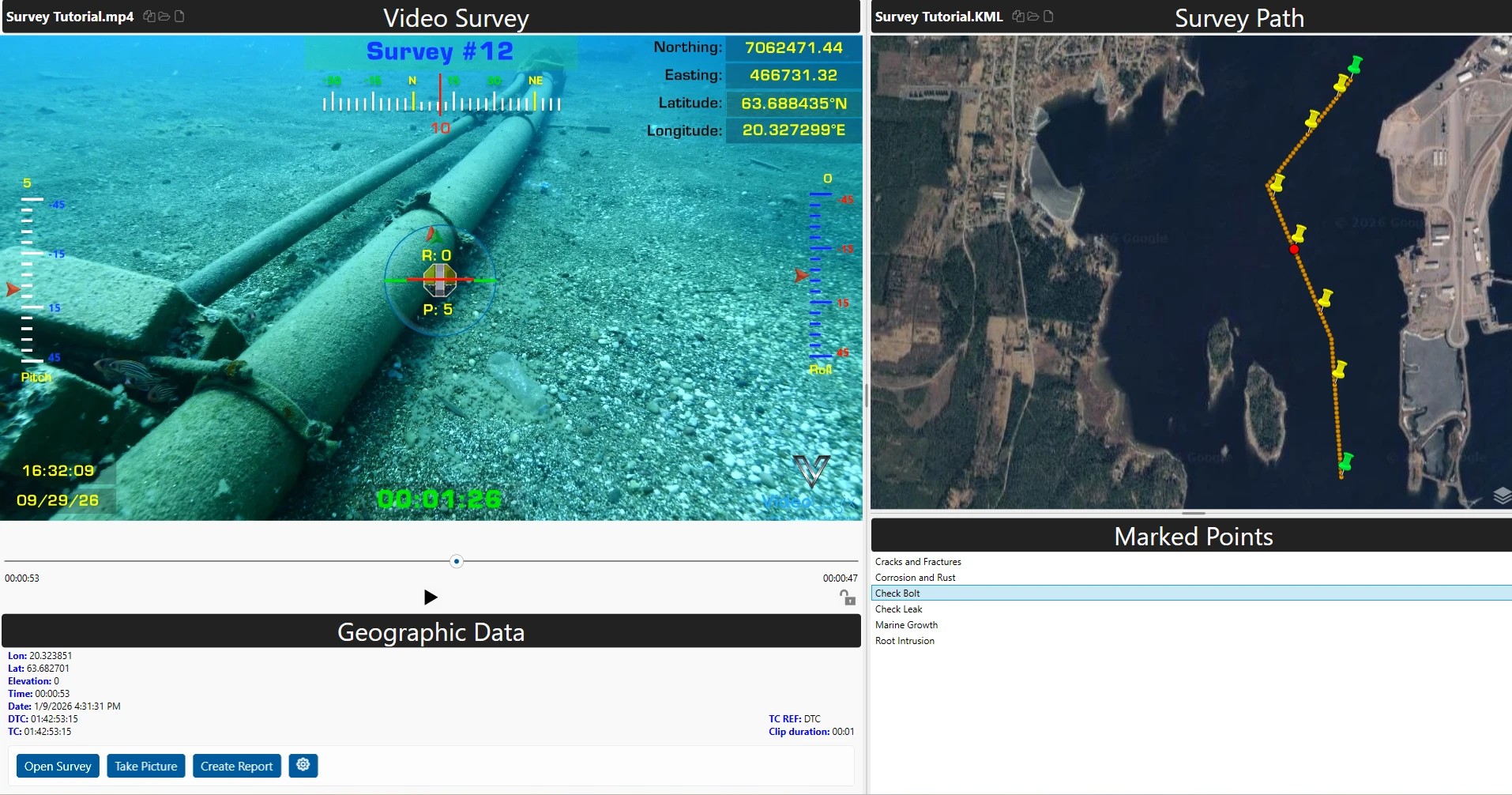
Yes. ProteusVSS operates identically in both cases, and all Marked Points are displayed regardless of whether a video is available.
Can I open my survey in Google Earth?
Yes. The geotagged KML file opens in Google Earth, showing the survey path and every Marked Point with its position, time, date and video position. The app’s button also opens it in Google Earth Pro.
Does it work offline?
Your survey data, video and reports stay on your PC and work offline. The map view needs an internet connection to load map tiles.
What computer do I need for the ProteusVSS App?
A Windows PC.
Reports
What’s in the inspection reports?
Generate inspection reports documenting recorded Marked Points, including geographic data and annotated images. Click Take Picture to capture an image and annotate it as needed before inserting it into the report.
Can I add my company logo?
Yes. Click Create Report to generate a report that includes geolocation data, annotated pictures, the company logo, etc.
Ordering and shipping
How fast do you ship?
Usually within 24 hours of payment. VSS-BM4K: contact us for availability.
Do you ship internationally?
Yes, worldwide. HS code 8521.90.0000, country of origin USA. Shipments outside the US and Canada with any line over $2,500 include an $18 export (EEI) filing fee.
Can I ship on my own FedEx or UPS account?
Yes. Your team arranges the pickup and prepares the label and customs paperwork.